Analysis and research
Review stock trades and analyze P&L
Compare trade plans and executions, then analyze performance by strategy and date.
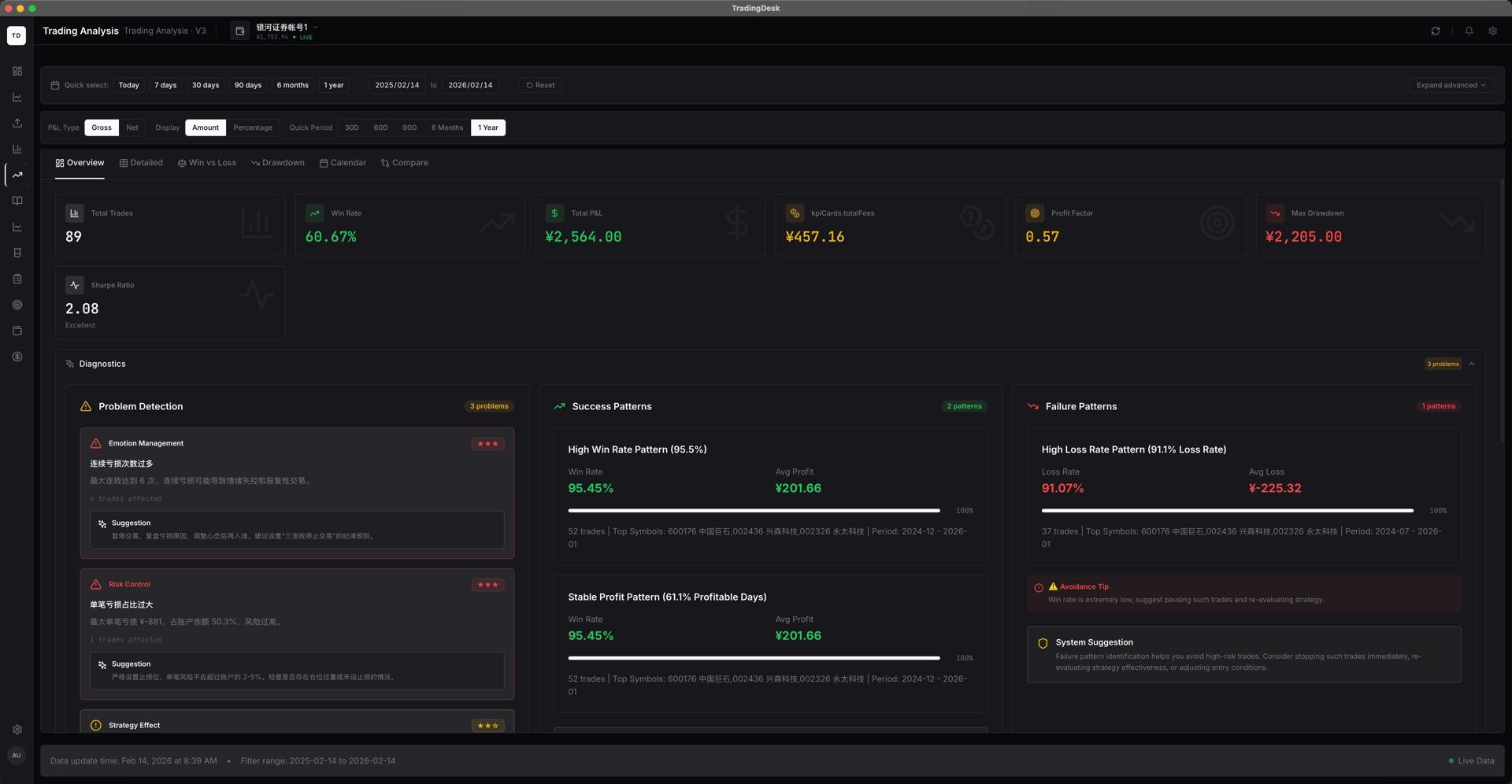
In Trade Management, filter by date, symbol, strategy, or tag. Open a trade to review its plan, orders, executions, screenshots, and journal notes.
Compare the original plan with actual execution and write down the entry or exit rationale. Trade Analysis compares win rate, P&L, drawdown, and execution quality.
Use the equity curve to review account performance over time. Validate imported records and fee settings before drawing conclusions.