Data safety
Back up and restore trading records
Keep accounts, trading journals, strategies, plans, and settings in local backups.
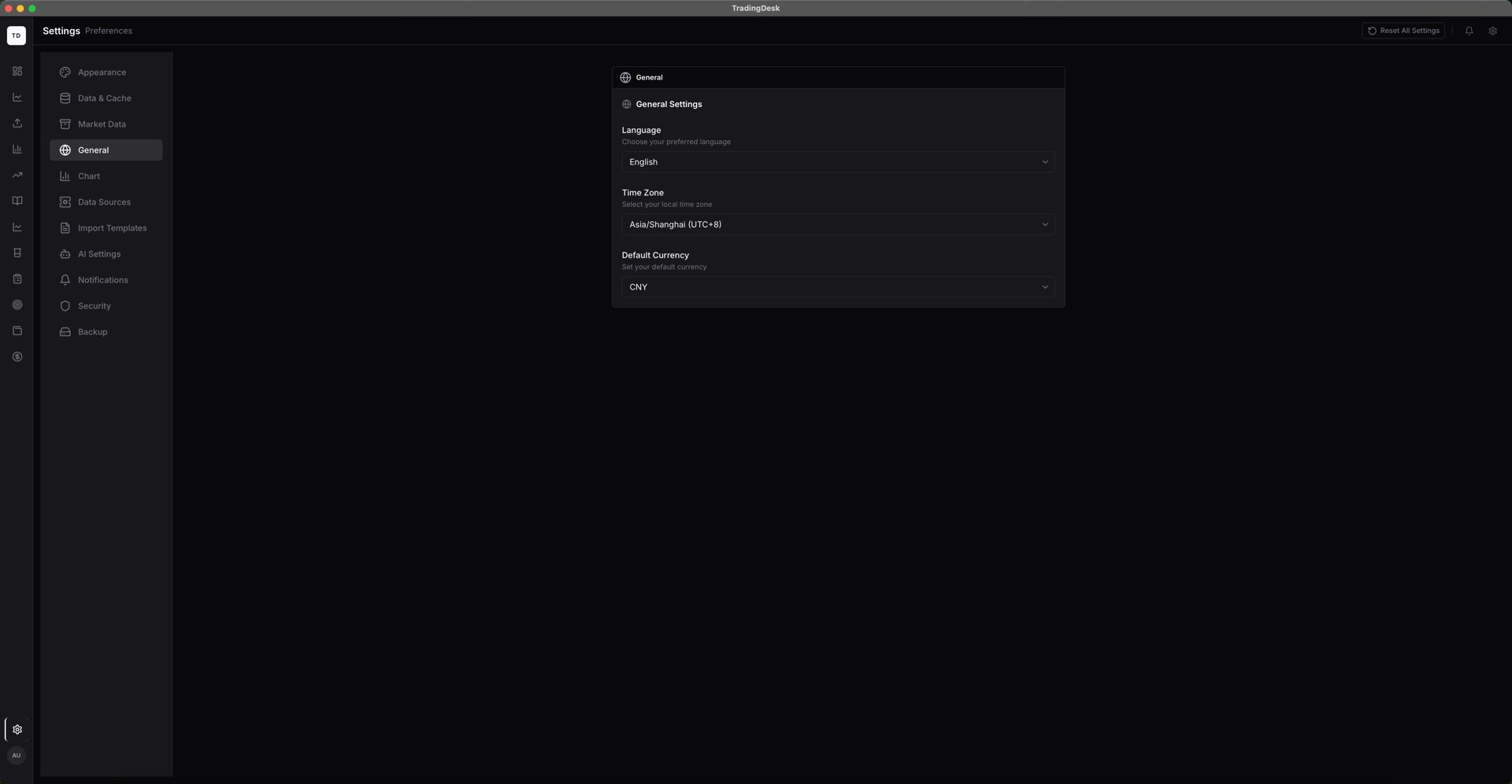
Open Backup and Restore in Settings and choose the data categories to export. A backup can include accounts, trades, notes, strategies, plans, and settings.
If you protect a backup with a password, store that password securely. Encrypted content cannot be recovered without it.
Create a backup of the current device before restoring. Only restore files from a trusted source, then verify the account, position, and trade counts.